ahammed akkif
Well-Known Member
any idea to increase drl brightness expedition platinum 2018

Disclaimer: Links on this page pointing to Amazon, eBay and other sites may include affiliate code. If you click them and make a purchase, we may earn a small commission.
I believe you can in Forscan.
F-150 is a pretty similar platform and *most* mods carry over.
[URL I tried this but it doesn't work
Not working in expeditionI believe you can in Forscan.
F-150 is a pretty similar platform and *most* mods carry over.
Want some bright drlsHave they become dimmer than normal, or you just want some bright drls?
I think this is something you'll have to research and find out for the forum. I believe you're the first member to ask if they can be made brighter. I'm not so sure that the DRLs on the 2018-2021 expeditions can be made brighter. Perhaps on the 2022+ models, which may use code similar to the link to the F150 forum, provided above, but I don't think anyone has tried to do that on their 2022+ expeditions either.Want some bright drls
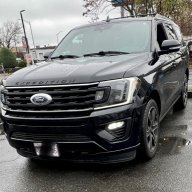
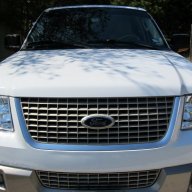
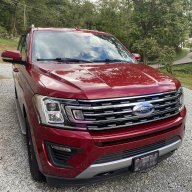
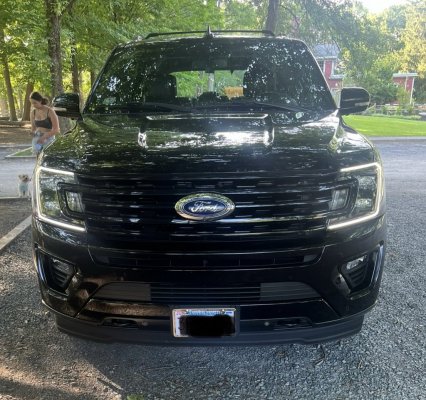
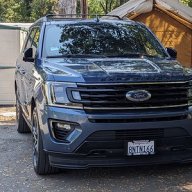
Can you share a photo of your vehicle's DRL. during the dayWould be cool if u could change the color too
Ok I will a little later today when I go out. Ill post on hereCan you share a photo of your vehicle's DRL. during the day
You previously posted this via a link… the OP tried it, it didn’t work… reposting it won’t change anything…Reading through the F-150 14G Forum, this should be the same, or close to it.
1. Revert/restore your changes in FORScan that you did for the above change via backup that you made to restore back to factory as-built values for line - BCM: 726-42-01 -> x2x2 xxxx xx--. Make sure to write and cycle your truck on/off.
2. Go into BCM as-built once again and create a backup once more, to be safe.
3. Change the following as-built with the following values. The preferred value that has been tested as of May 2022, is 4B (75%). Change only the "**" area, and leave the rest of the values in the line the way they are as default.
726-38-01 xxxx **xx xx--
64 =100%
5A = 90%
4B =75%
32 = 50%
19 = 25%
0A =10%
3. Write to the truck and cycle the truck on/off, a few seconds apart. Enjoy!