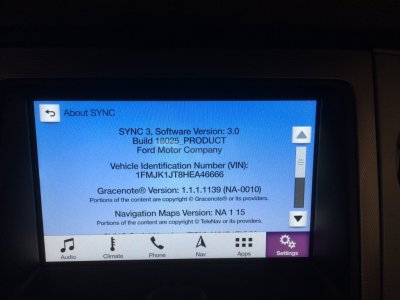
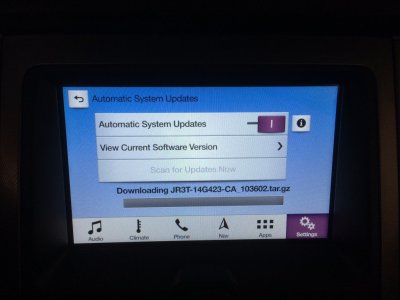
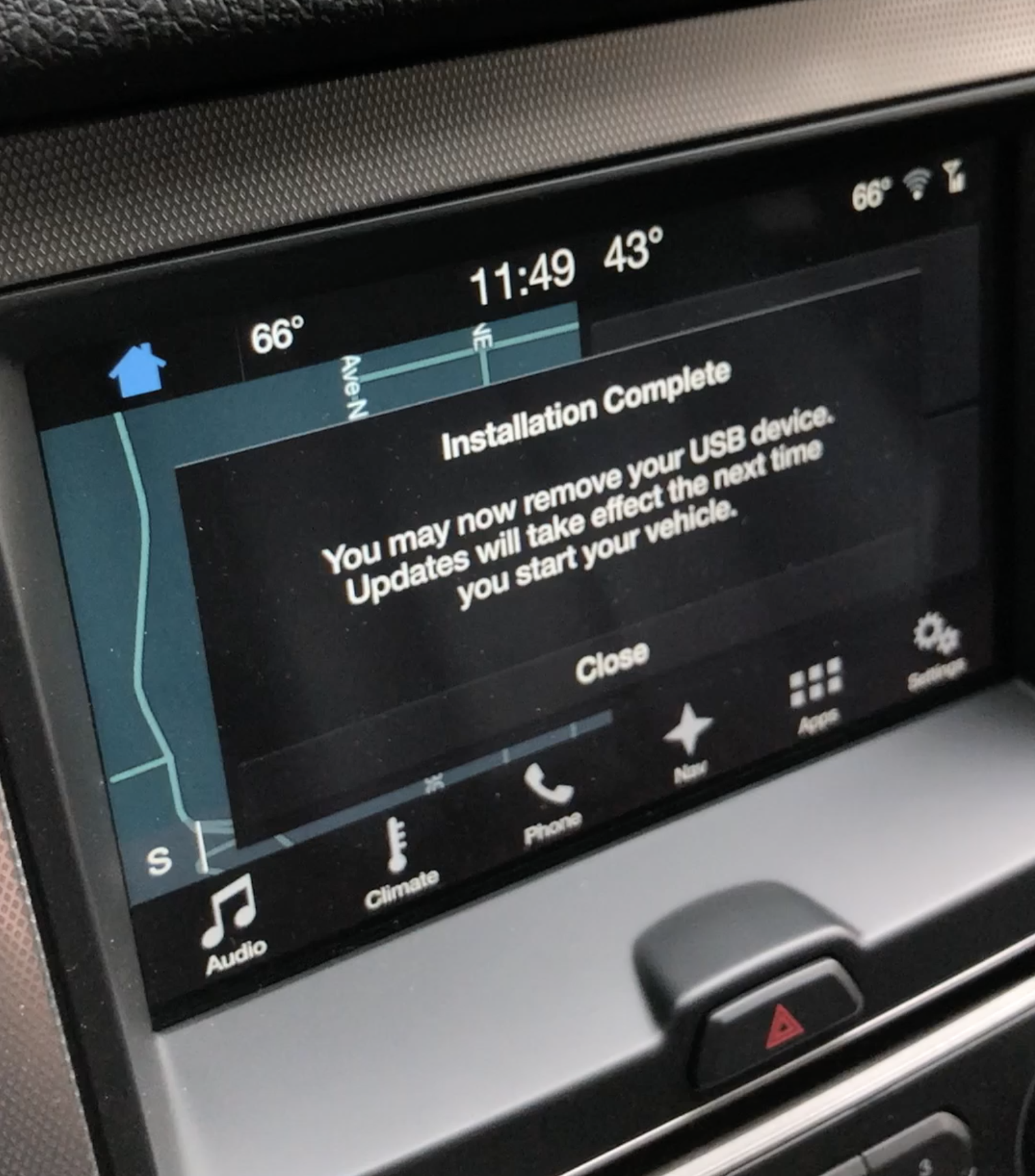
So a few things on this update.
They have changed the method and process for the update. In the Nav version it pulls the whole file in to the storage on the head unit then starts the install. Total time for the update to complete is less, but the starting process takes a little longer.
This does not allow Waze to work. It loads the back end components needed. Waze(At least for iOS) has not released the Ford compatible version yet.
Do a FULL format, not quick on the flash drive before you copy the files to it. Make sure you are doing ExFAT. If you are on a Mac, that is not possible unless you have 3rd party software installed. Quality of the flash drive matters. Also, even though the file is only 1.5GB, the process uses the flash drive as a swap file location during the update, so that is why they recommend a larger drive. I have done it with 8, 16, and my current drive of choice is a 32GB Sandisk USB3 Drive.
They have changed the method and process for the update. In the Nav version it pulls the whole file in to the storage on the head unit then starts the install. Total time for the update to complete is less, but the starting process takes a little longer.
This does not allow Waze to work. It loads the back end components needed. Waze(At least for iOS) has not released the Ford compatible version yet.
Do a FULL format, not quick on the flash drive before you copy the files to it. Make sure you are doing ExFAT. If you are on a Mac, that is not possible unless you have 3rd party software installed. Quality of the flash drive matters. Also, even though the file is only 1.5GB, the process uses the flash drive as a swap file location during the update, so that is why they recommend a larger drive. I have done it with 8, 16, and my current drive of choice is a 32GB Sandisk USB3 Drive.