what is up with the latest sync update OTA

Disclaimer: Links on this page pointing to Amazon, eBay and other sites may include affiliate code. If you click them and make a purchase, we may earn a small commission.

powerboatr

Full Access Members
Joined
May 16, 2016
Posts
981
Reaction score
380
Location
North East Texas
WHOLLY CRAP MAGNETS
the sync did an OTA update and now its complete shiiiiit.
Map is all fuckered up, the USB port randomly decides if its working or can be seen.
I have to keep turning off the radio and removing the usb stick and placing it in the other hole, then turn radio back on to see the usb music, then if you stop and shut down the vehicle and restart and radio comes on like supposed to but the USB is gone....so i have to turn it off and move the usb stick to the other hole and turn radio back on to see the usb stick.
FORD really flucked the football on this,
it also keeps dumping my samsung phone out of the blue
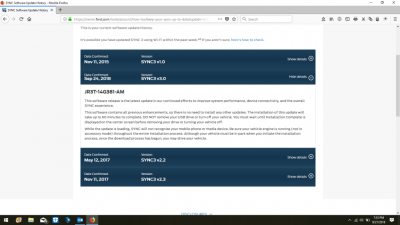
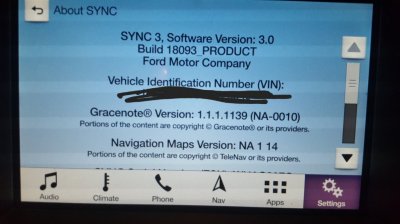
2018-09-27.png
 

LokiWolf

Staff member
Moderator
Joined
Apr 2, 2016
Posts
3,971
Reaction score
2,834
Location
Richmond VA
WHOLLY CRAP MAGNETS
the sync did an OTA update and now its complete shiiiiit.
Map is all fuckered up, the USB port randomly decides if its working or can be seen.
I have to keep turning off the radio and removing the usb stick and placing it in the other hole, then turn radio back on to see the usb music, then if you stop and shut down the vehicle and restart and radio comes on like supposed to but the USB is gone....so i have to turn it off and move the usb stick to the other hole and turn radio back on to see the usb stick.
FORD really flucked the football on this,
it also keeps dumping my samsung phone out of the blue


View attachment 26887

Sorry I missed this, turning the radio off and also turning off the car and back on, doesn’t actually restart the OS, it more closely puts it to sleep, or hibernates it.

Do 2 resets in a row.

Turn the car on, let the unit come all the way up where you have control. Nothing plugged in to USB. Hold down the radio power button, and hit the next Track button. Screen should go black and come up with boot logo, normally a ford emblem.

Do that 1 more time. After that see if it goes back to responding how you expect.

That should be part of the Ford instructions.
 
OP
OP
powerboatr

powerboatr

Full Access Members
Joined
May 16, 2016
Posts
981
Reaction score
380
Location
North East Texas
Sorry I missed this, turning the radio off and also turning off the car and back on, doesn’t actually restart the OS, it more closely puts it to sleep, or hibernates it.

Do 2 resets in a row.

Turn the car on, let the unit come all the way up where you have control. Nothing plugged in to USB. Hold down the radio power button, and hit the next Track button. Screen should go black and come up with boot logo, normally a ford emblem.

Do that 1 more time. After that see if it goes back to responding how you expect.

That should be part of the Ford instructions.
THANKS
i will try it this afternoon
 

Dorzak

Full Access Members
Joined
Jan 28, 2018
Posts
450
Reaction score
123
Location
California
Only problem I have had with the 3.0 updates is if I have something connected when I turn off the key, the next time I start the vehicle it will have the radio on, on AM. If I radio was powered off or on SiriusXM it makes no difference.
 

LokiWolf

Staff member
Moderator
Joined
Apr 2, 2016
Posts
3,971
Reaction score
2,834
Location
Richmond VA
Only problem I have had with the 3.0 updates is if I have something connected when I turn off the key, the next time I start the vehicle it will have the radio on, on AM. If I radio was powered off or on SiriusXM it makes no difference.

Mine defaults to the last FM station I was listening to before I had my Phone or USB connected.
 
OP
OP
powerboatr

powerboatr

Full Access Members
Joined
May 16, 2016
Posts
981
Reaction score
380
Location
North East Texas
well did the reset and still no bueno
after i shut off the car and radio, i turned radio back on and no usb detected. I turned it off and unplugged usb, turned radio back on and then plugged usb back in..it saw it then.
got an email from ford inquiring more info so maybe they can figure it out??
 

LokiWolf

Staff member
Moderator
Joined
Apr 2, 2016
Posts
3,971
Reaction score
2,834
Location
Richmond VA
well did the reset and still no bueno
after i shut off the car and radio, i turned radio back on and no usb detected. I turned it off and unplugged usb, turned radio back on and then plugged usb back in..it saw it then.
got an email from ford inquiring more info so maybe they can figure it out??

Good luck! You are on the most current version of 3.0? If you are connected to WiFi on it, and tell it to check now, what does it say?
 
OP
OP
powerboatr

powerboatr

Full Access Members
Joined
May 16, 2016
Posts
981
Reaction score
380
Location
North East Texas
Good luck! You are on the most current version of 3.0? If you are connected to WiFi on it, and tell it to check now, what does it say?
i did that and it tells me we are up to date and it even uploaded to my ford owner page and shows its the latest version.
I am sure its a weird code, i will pull the usb tonight and see it does an update or ???
i think it just does not like my 32 gb of music :)
 
OP
OP
powerboatr

powerboatr

Full Access Members
Joined
May 16, 2016
Posts
981
Reaction score
380
Location
North East Texas
ok this afternoon i tried a different usb stick with the same music loaded (from the bus radio) it worked flawlessly, off , on and back off and back on

so formatted another 32gb stick and loaded the music on it
it seems to be working fine now, so we shall see in a few days.
i guess the usb got corrupted when the system did the last ota update. My usb stays plugged in 24/7
might need to turn off the wifi and stop the auto updates
 

1955moose

Full Access Members
Joined
Nov 23, 2014
Posts
6,004
Reaction score
1,351
Powerboater please keep the profanities to yourself or disguise them with key strokes. The moderator here on the forum will pull you off, if you keep it up. Thanks for co-op.

Sent from my N9131 using Tapatalk
 

bobmbx

Full Access Members
Joined
Jun 11, 2017
Posts
1,200
Reaction score
627
Location
Virginia
Sync detects my home wifi and the truck is right outside the window where the router is located. Never been able to do a wifi firmware update, though, and I resort to the USB method.

-- Chuck
OTA updates take a long time. IIRC, Ford advertised the download time for V3.3 as "up to 30 days to download". The USB method is lightyears faster, and you get to know when its done (or not).
 

LokiWolf

Staff member
Moderator
Joined
Apr 2, 2016
Posts
3,971
Reaction score
2,834
Location
Richmond VA
OTA updates take a long time. IIRC, Ford advertised the download time for V3.3 as "up to 30 days to download". The USB method is lightyears faster, and you get to know when its done (or not).

I haven’t seen any production copies of 3.3.

Have you heard of anybody getting 3.3 without getting one of the bootlegs running around?

I got burnt by the 3.0 bootlegs that were running around. It made it a pain to get the production version of 3.0 to install, so I check regularly multiple VIN’s on the owner site to catch a version of the newest.

I just checked for my 16 Edge, and 17 Expy, both say current is 3.0.
 

bobmbx

Full Access Members
Joined
Jun 11, 2017
Posts
1,200
Reaction score
627
Location
Virginia
I haven’t seen any production copies of 3.3.

Have you heard of anybody getting 3.3 without getting one of the bootlegs running around?

I got burnt by the 3.0 bootlegs that were running around. It made it a pain to get the production version of 3.0 to install, so I check regularly multiple VIN’s on the owner site to catch a version of the newest.

I just checked for my 16 Edge, and 17 Expy, both say current is 3.0.
Thats a typo. Its 3.0.
 
OP
OP
powerboatr

powerboatr

Full Access Members
Joined
May 16, 2016
Posts
981
Reaction score
380
Location
North East Texas
i just checked it and the usb was still being seen and read, so i guess its fixed??? IVT emailed me friday so maybe they can shed some light on what may have occured
 

mossback

2017 Limited EL
Joined
Oct 9, 2017
Posts
359
Reaction score
176
Location
WA state
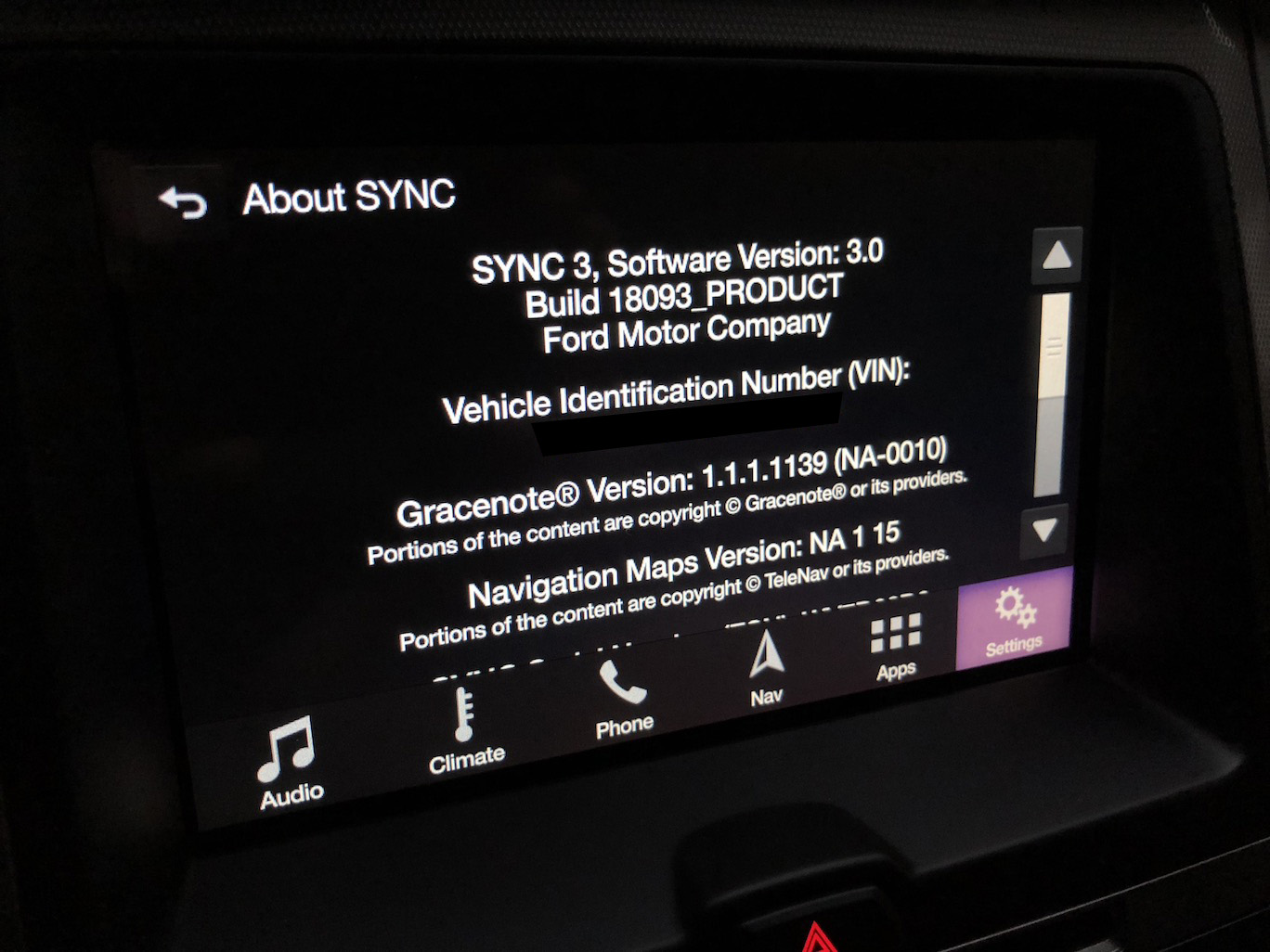
You are running the current build, so the software is up to date.

IMG_5791.JPG


Difficult to say what the issue might have been. So many variables. Maybe the install got interrupted at some point. Or maybe your USB stick has sector errors. Not all USB sticks are the same. Hopefully you're all set now and everything functions fine but if not consider a new USB stick.

On the whole I like the Sync 3 system but the updates and update process is pretty clunky. Ditto the nav system. It should be easier, faster and more elegant all around.
 
Top