I see a camera from front of car behind rear view mirror but not sure how to get to it
Yea, that camera is the one responsible for reading the lanes in front of you and are directly related to lane keeping. The only way to get to them is by removing the rear view mirror assembly. However, if there was an issue with that camera, it would be reporting some DTC that would point to it.
I checked the config in the IPC, PSCM, IPMA and APIM. The only inconsistency I can find is in the APIM on this line:

The 0 in location xxxx xxxx 0x-- indicates that lane centering is turned off.

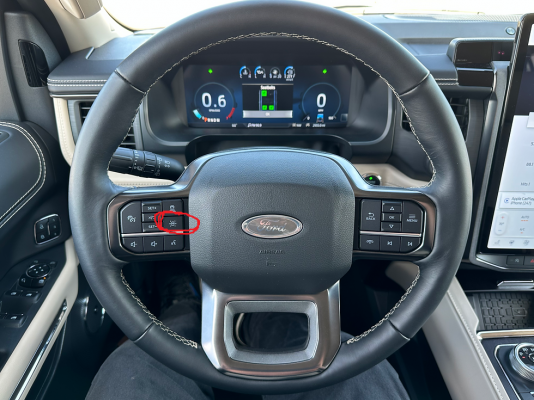
OTA history shows your truck received OTA 6.14.0 back in October. I have no way of knowing if that OTA wiped the config for this setting somehow, but I pulled the data from a random 2023 Expo I found online and it does not have a zero there. If you have FORScan, I would try changing that value from a 0 to a 2 to enable LC and see if that fixes it. Go to your driver assist menu and cruise control settings. Is there a sliding button there for lane centering? If so, does it allow you to turn it on, or is it grayed out and you can't turn it on?