And that has been documented MANY times, many months ago.
I DO NOT recommend using the Super Duty sheet for making changes. Contact FORSCAN support and get the version of FORSCAN that works for the 2020/2021 Expedition and gives you the drop down options. None of these changes are worth screwing up your module programming over.
You are welcome to message the current owner of the sheet via the sheet and tell him, or start your own.
I personally believe the sheets get people in trouble, who have very little clue what they are doing. Use the drop down. If you chose not to, you better be backing up the modules.
@LokiWolf - For your response please.
Hello,
Trying to know what modificaitons can be done to my XLT 2020 202a (i assume it is 4th Gen) . I am new to ForScan. Got it installed with the evaluation license and synced up with VLinker MC+ (Bluetooth) . I only have had a look around without changing any settings.
Reading multiple posts by @Lokiwofl, I understand that any/all excel/google sheets containing modification codes are obsolete and should not followed anymore to avoid risk of damage and messed up configuration.
Any recommendation about the precaution while using the ForScan and what all tweaks are there that can be done for my model.
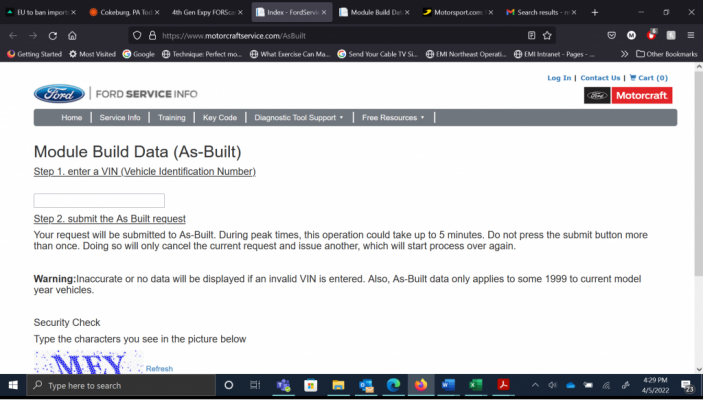
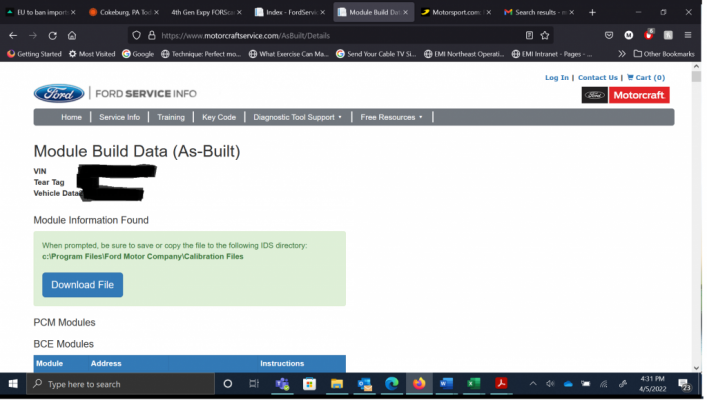
1. For example how/which options to ensure i have original backup of all modules before making any changes. Do i have to choose one by one backup of As-Built config of each module or there is any option which takes a master backup of all the settings and backup of the car.
2. I was unable to see any modifications list pre-built in ForScan menu. Can you post a screenshot to give a clue about the same.
3. Any other recommmendation for beginners.
Thanks for your response.